
 85243 85243 |
 35212 35212 |
|
|
||
|
|
|||||||
| Welcome to the Exploding Garrmondo Weiner Interactive Swiss Army Penis. |
|
GFF is a community of gaming and music enthusiasts. We have a team of dedicated moderators, constant member-organized activities, and plenty of custom features, including our unique journal system. If this is your first visit, be sure to check out the FAQ or our GFWiki. You will have to register before you can post. Membership is completely free (and gets rid of the pesky advertisement unit underneath this message).
|
 |
|
|
Thread Tools |
 Member 629 Level 46.64 Mar 2006 
|
I had this same problem. There is a special file in the Firefox directory that got corrupted. You just delete it and reopen Firefox and all is good. One second. Let me see if I can find a link to it on their forums. I made a topic on it a long time ago.
Here we go! http://forums.mozillazine.org/viewtopic.php?t=376655 Jam it back in, in the dark.
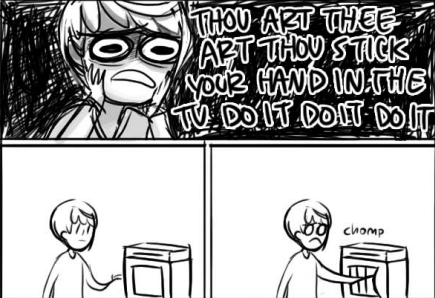
Hey, maybe you should try that thing Chie was talking about.
|
Member 629 Level 46.64 Mar 2006
|
Consider it a partial payback for all the music you've helped me with =p
Double Post: Oh. What do you mean by getting rid of bookmark icons, by the by? You want to change the icon's picture thingie or are they on the toolbar and you can't remove them? There's nowhere I can't reach.
Hey, maybe you should try that thing Chie was talking about.
Last edited by Gechmir; Nov 22, 2006 at 12:37 PM.
Reason: Automerged additional post.
|


 Gechmir